
Unclutr Files helps professionals and power users move faster.
Exact matching, guided review, and recoverable cleanup.
App Store and Direct include the same core cleanup experience. Direct adds MCP capabilities for advanced local automation workflows.

Native Mac Experience
Designed for macOS with a native interface and fast scanning performance.
Workflow-Aware Suggestions
Recommendations follow your keep rules, selected sources, and review preferences.
Transparent & Reversible
No black-box actions: inspect everything first, then undo the latest trash run anytime.
What professionals need
Not a generic disk optimizer. Unclutr Files is a native review workspace for exact duplicates and large-item cleanup.
Duplicates
Byte-for-byte matching across internal storage, external volumes, and archives. Grouped review lets one decision resolve many files.
Large files
Large File Discovery surfaces the Top 100 largest files and folders, with conservative safety guidance per item.
Review
Quick Look, path copy, Finder reveal, and explicit keep/trash decisions. Nothing is removed until you confirm.
Built for professional toolchains
Regenerable clutter is filtered by default across technical and creative workflows, so review stays practical and intentional.
Protect repo internals, dependency trees, and build outputs while cleaning surrounding files.
Skip generated previews, proxies, and media caches from major photo, video, and audio tools.
Ignore common launcher and shader caches so scans focus on files you actually manage.
Exclude generated render, simulation, and engine caches common in modern 3D pipelines.
Filter package, model, dataset, and engineering cache folders to reduce review noise.
Add your own extension and pattern rules to match your environment and workflow.
Product preview
Built for clarity on Mac: grouped duplicates, large-file discovery, and safe cleanup with full control.
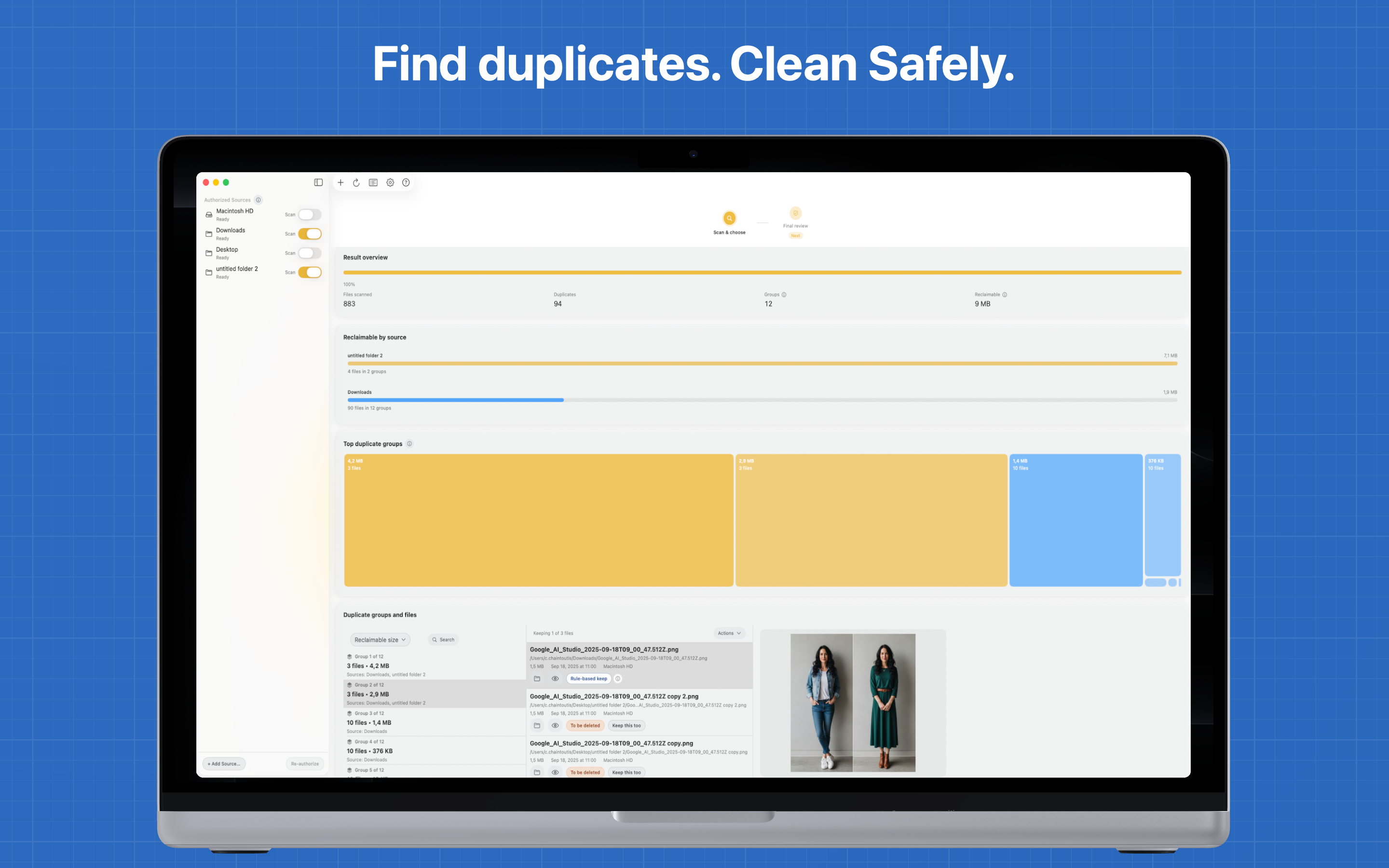
Step 1: Choose where to scan
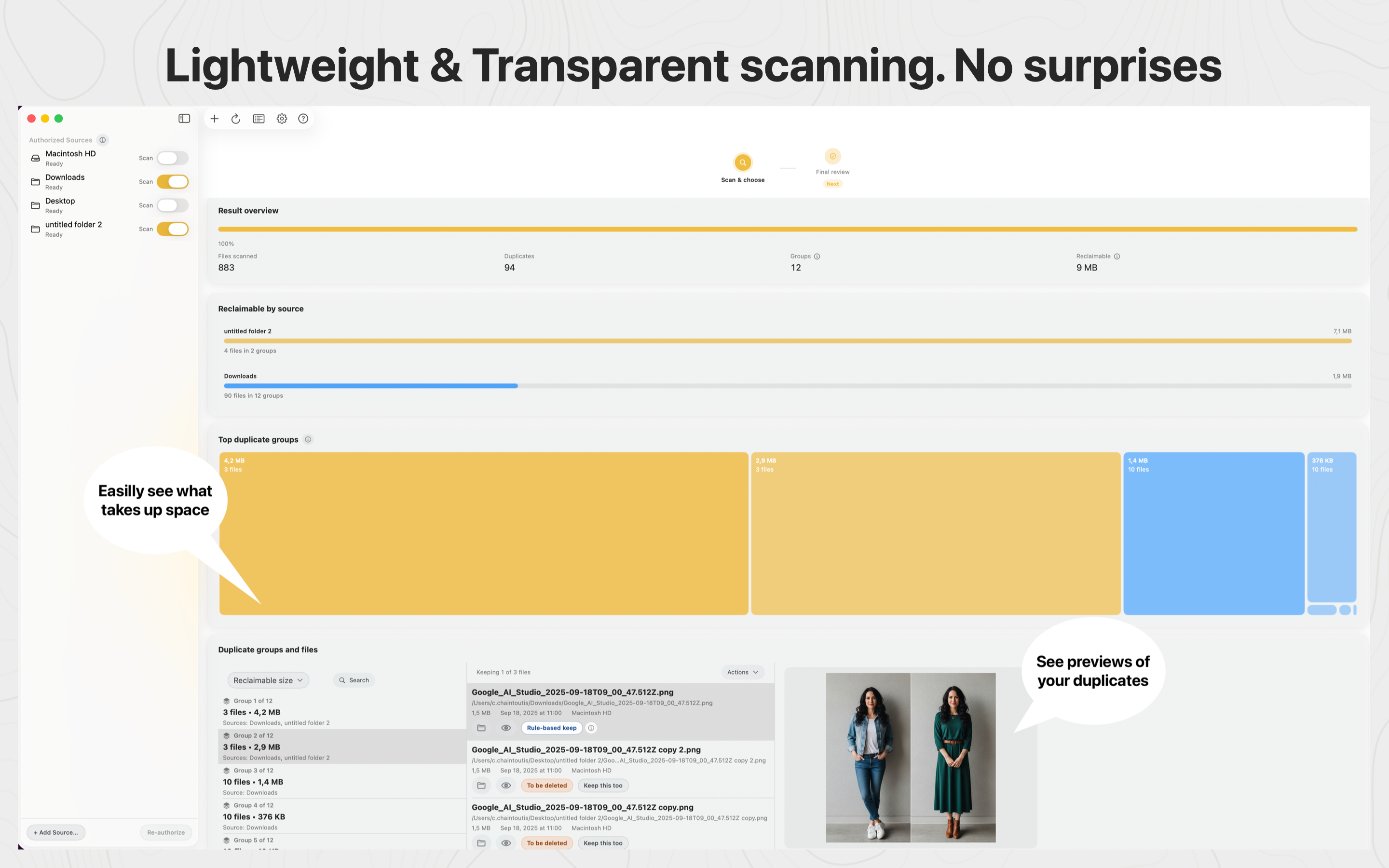
Step 2: Review duplicate groups
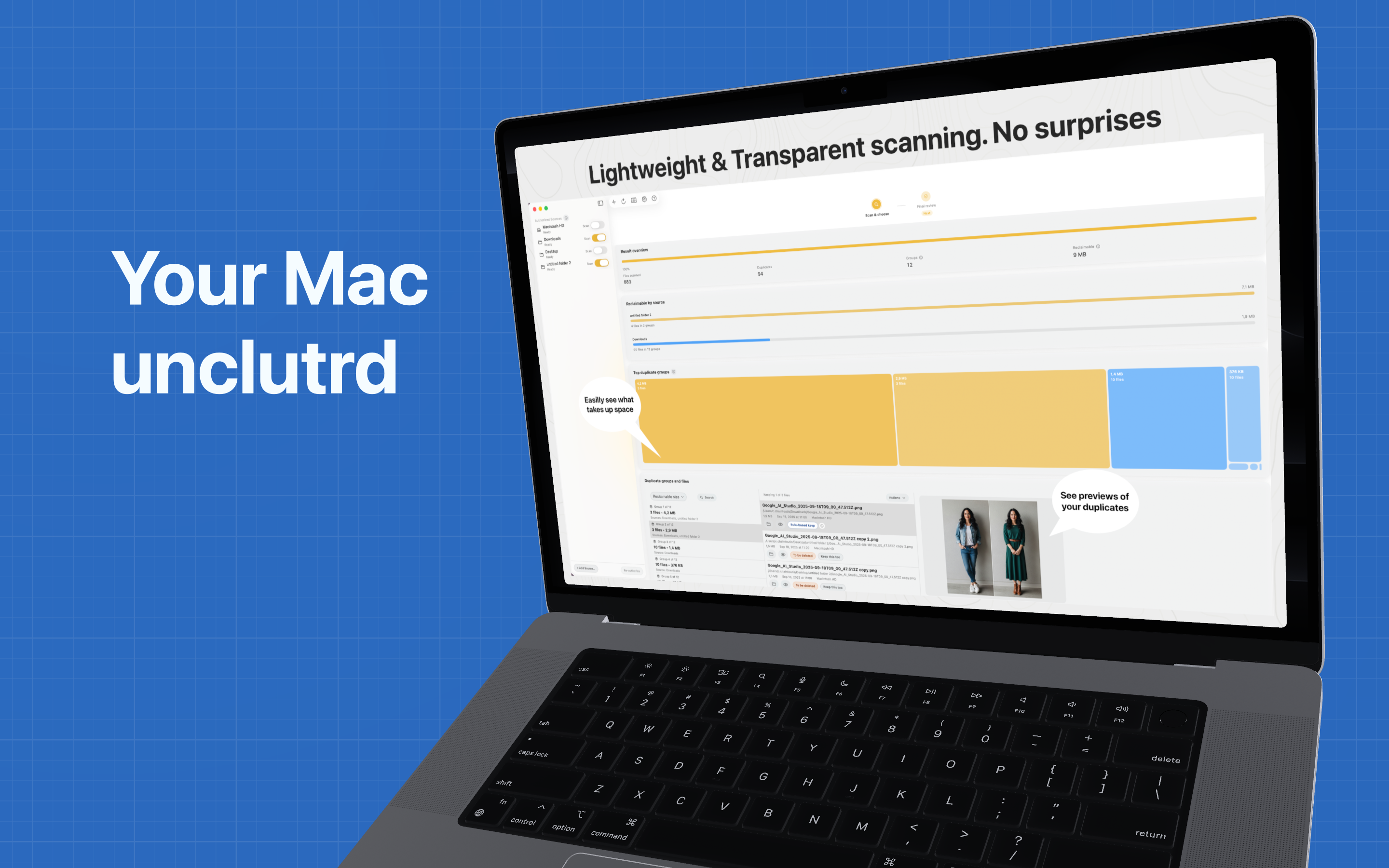
Step 3: Confirm cleanup safely
Step by step
Short silent loops for quick overview. Full walkthrough video is above.
Scan your Mac in seconds
Pick a folder, click Scan, and let unclutr do the rest.
Duplicates detected instantly
Groups of identical files appear as soon as the scan finishes.
Automatically grouped
Open a group and see exactly which copies live where.
Free gigabytes safely
Move duplicates to Trash and see your reclaimed space instantly.
Safety by design
Every safeguard exists to keep cleanup fast without making risky assumptions for you.
You pick folders via the standard macOS file picker. No background indexing, no broad disk access.
Cleanup always means Move to Trash. You can recover anything from the macOS Trash before emptying it.
Changed your mind right after cleanup? One action reverses the entire last batch.
.git, node_modules, DerivedData, virtualenvs, Xcode build caches, and common creative tool caches are excluded by default.
Who it's for
If your day depends on reliable machines and fast turnaround, Unclutr Files helps you clean without risky shortcuts.
When downloads, transfers, and old exports pile up, review clear groups and finish cleanup in minutes instead of file-by-file guesswork.
Media libraries and project folders grow fast. Surface what is truly heavy, inspect with Quick Look, and clean with confidence before deadlines.
Default exclusions protect repos, dependencies, and build outputs while you clean everything around them: installers, archives, and duplicated exports.
Built with users
✓ We read and reply to support emails and community feedback directly.
✓ Feature updates prioritize practical workflow improvements, not flashy automation.
✓ Destructive actions always require explicit user confirmation.
✓ The app suggests decisions and safety guidance, but never acts silently on your behalf.
✓ The workflow stays recoverable: cleanup goes to Trash, and the latest run can be undone.
Reclaim time with a native Mac cleanup workflow built for speed, clarity, and control.
Available on the Mac App Store or as a direct notarized download.