
Clean duplicate and similar photos on iPhone, iPad, and Mac, with full privacy and control.
Built for people overwhelmed by screenshots, burst shots, repeated WhatsApp/media saves, and near-identical photos that are tedious to clean manually.
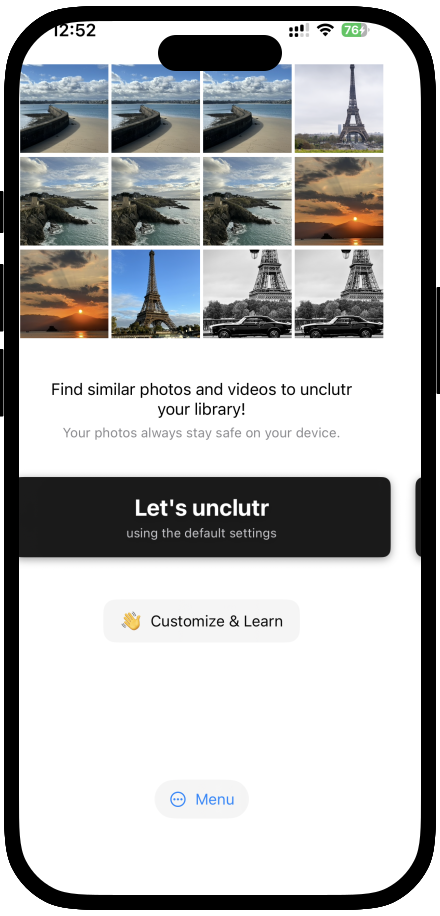
20,000+
photos cleaned
4.8
App Store rating
100%
on-device processing
Key benefits
Less clutter, more usable storage, and less time spent triaging photo chaos.
Catch near-duplicates and repeated moments that built-in duplicate-only tools often miss.
You pick favorites and keep control over what stays and what goes.
All processing stays on device with no cloud uploads or tracking.
What users say
"Finally an app that finds similar photos, not just exact duplicates. Freed up 8 GB on my iPhone in one session."
App Store Review
"Love that nothing leaves my phone. The grouping makes it easy to pick the best shot and trash the rest."
App Store Review
"As a photographer with 20k+ photos, this saved me hours of manual cleanup. Smart grouping is a game changer."
App Store Review
How it compares
See how unclutr photos goes beyond what Apple's built-in duplicate detection can do.
Useful for exact duplicates, but can miss similar photos and repeated variants that still consume storage and attention.
Finds duplicates and similar photos, groups them for review, and keeps everything local so you can clean up confidently.
Loved by photographers, parents, and privacy-first Apple users cleaning high-volume libraries.
Large libraries may take time. Scanning happens entirely on your device.
No account. No upload. Your photos never leave your iPhone or Mac.
Product tour
Similar groups, your thresholds, then keep or remove—always on your iPhone or Mac. Swipe or tap a thumbnail to explore.
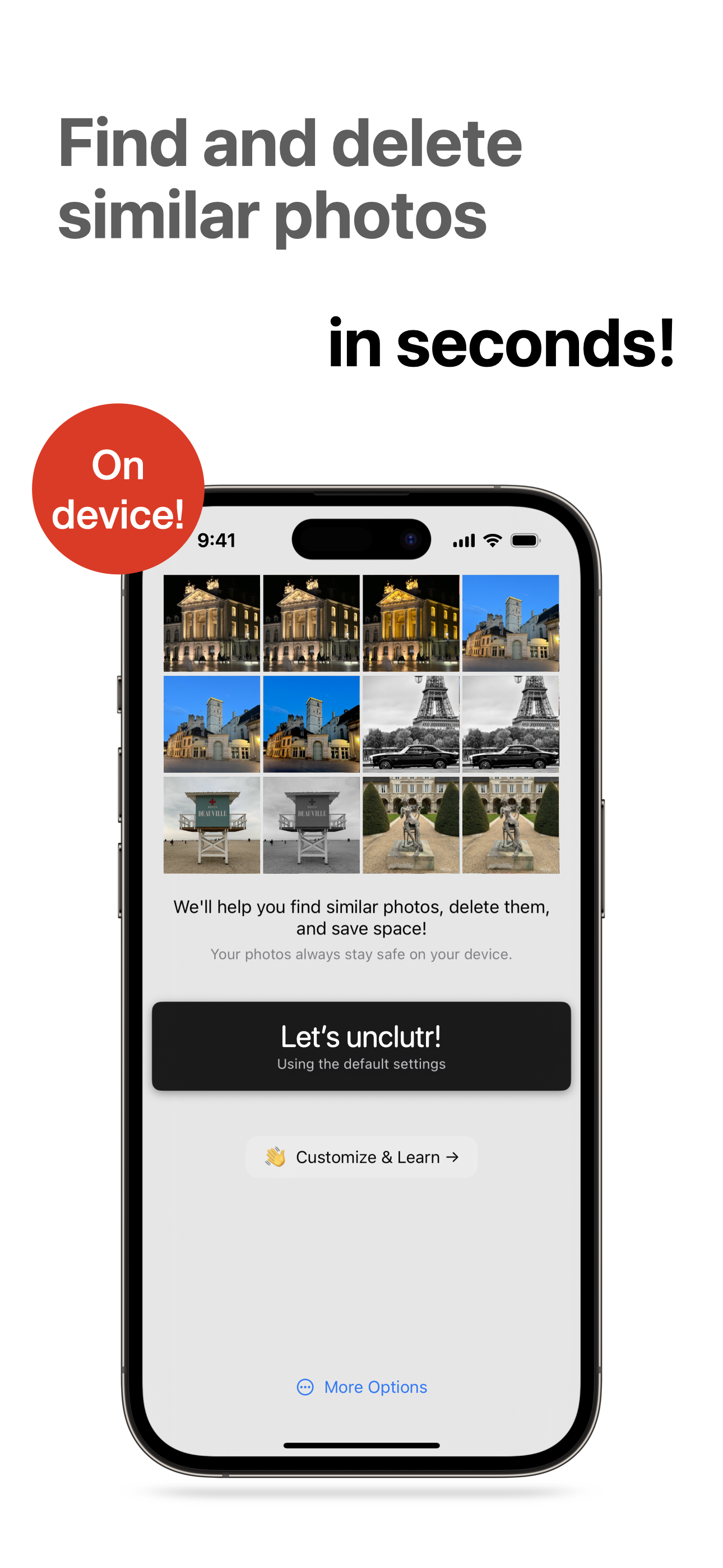
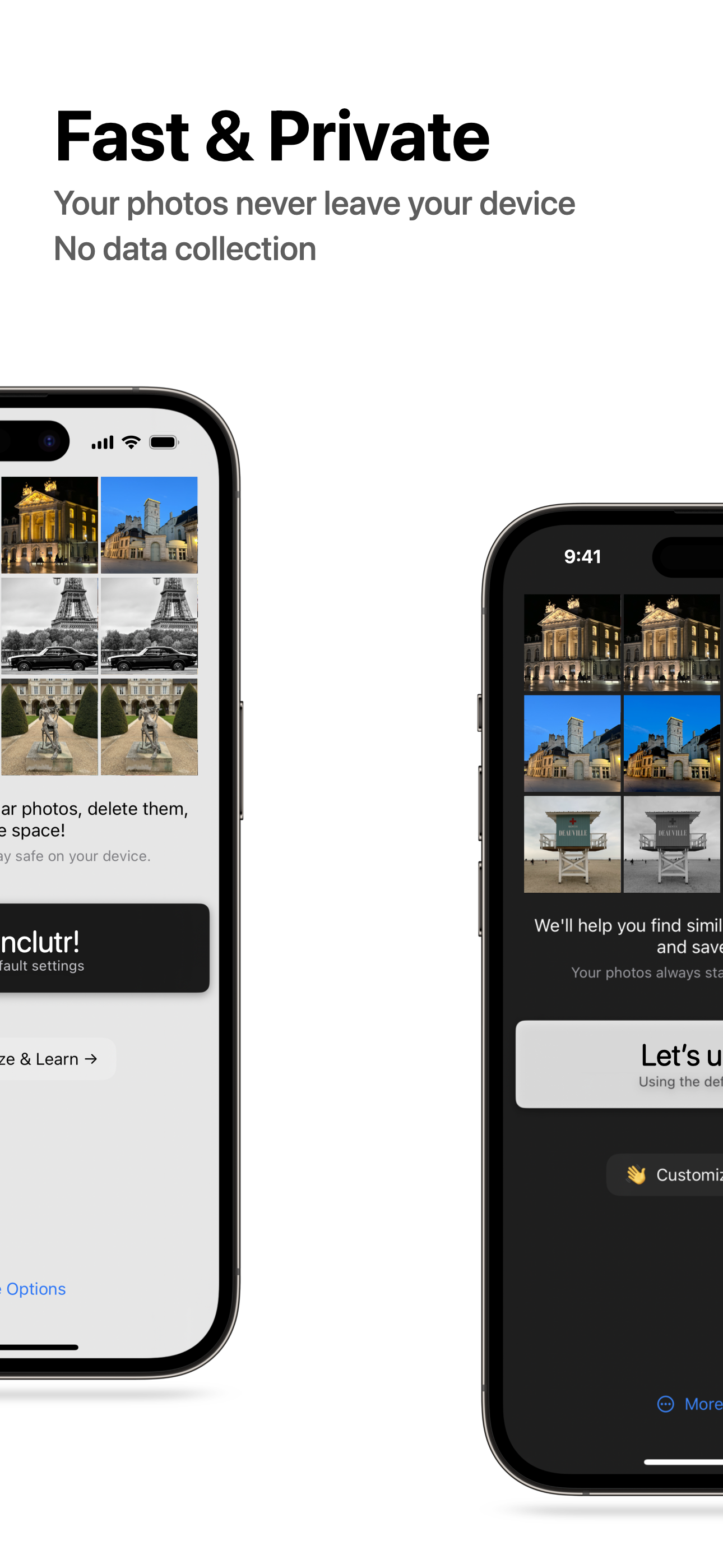
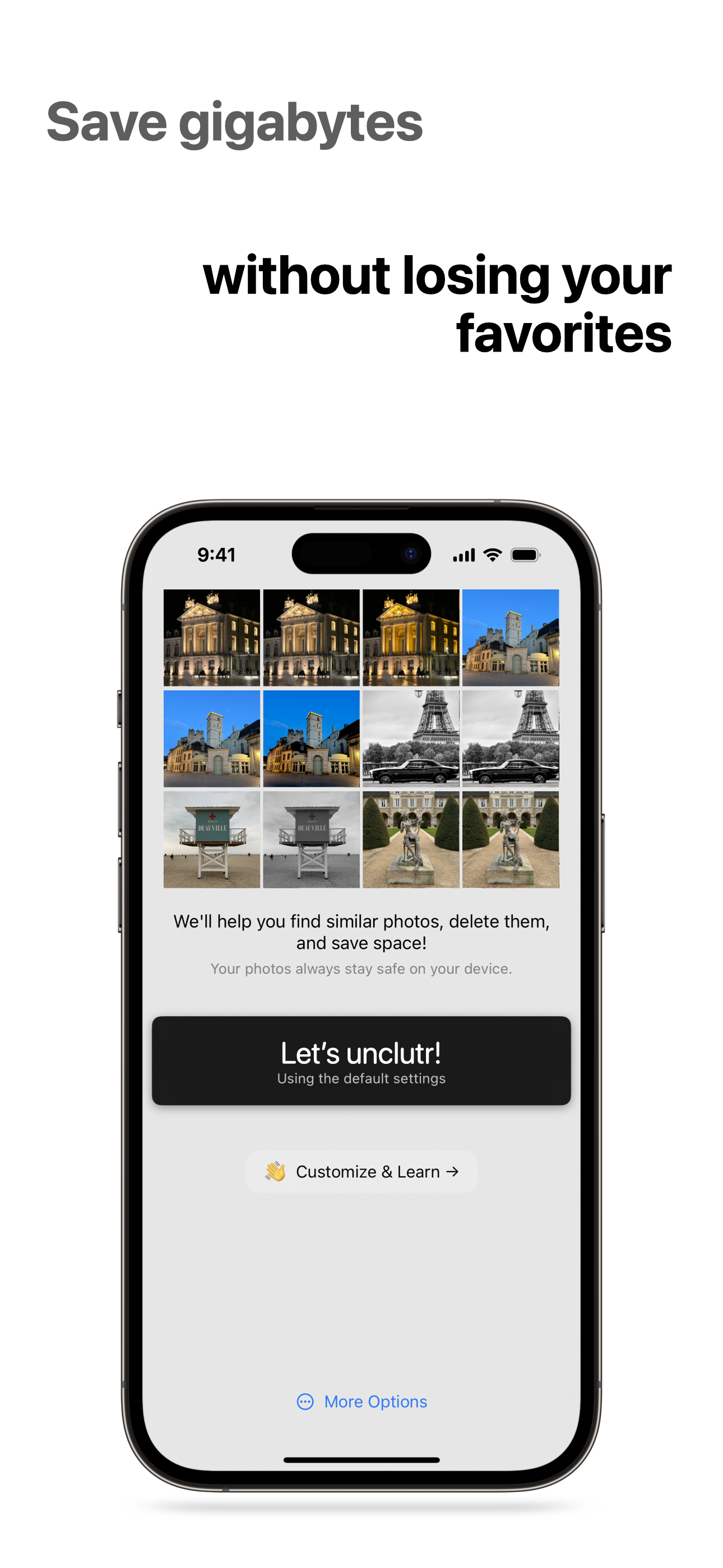
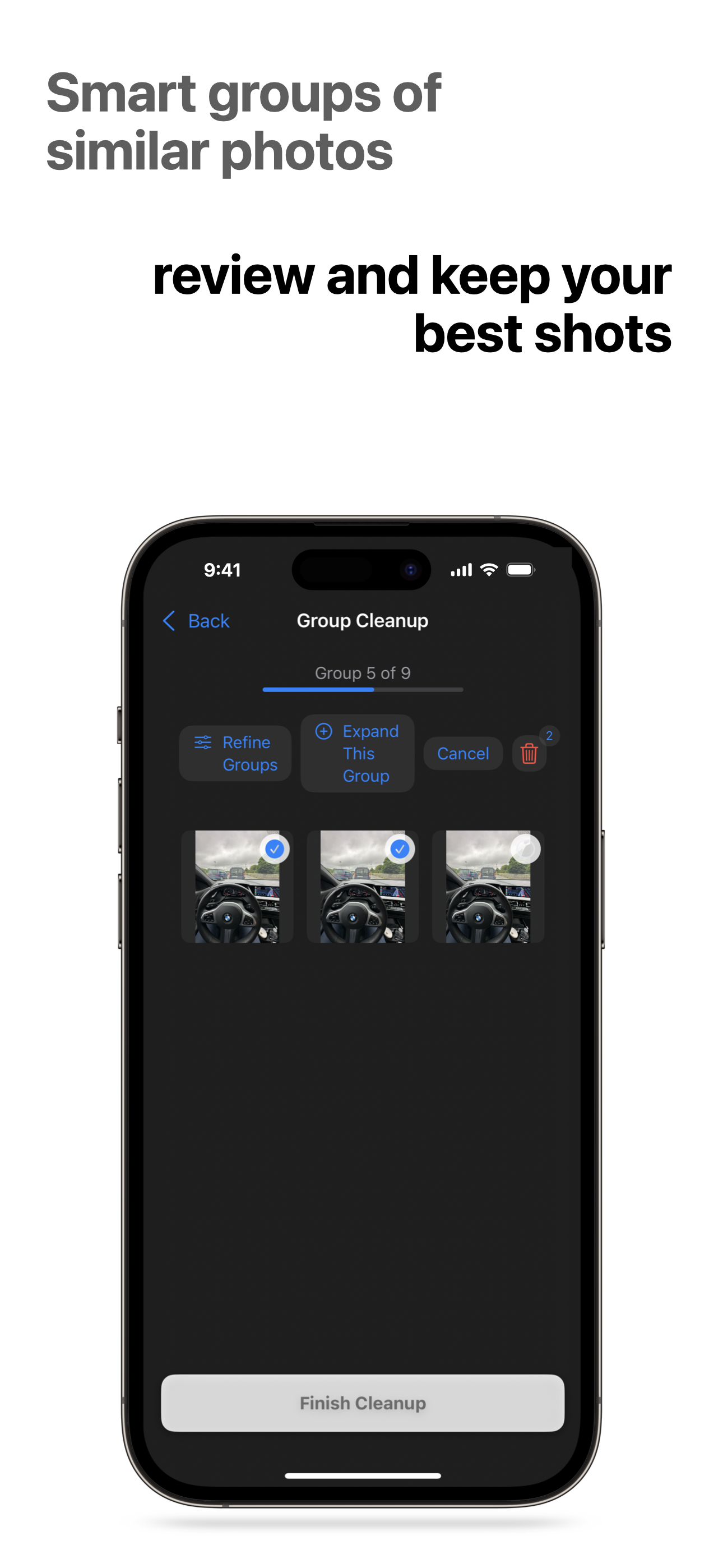
unclutr photos helps you find and remove similar photos with full privacy and on-device processing. Download and scan in minutes.
Available on iPhone and Mac.

Support
All photo scanning and processing happens entirely on your device. Your photos never leave your iPhone or Mac.
unclutr photos requests Photos access to scan and find duplicates. You choose which albums to scan. No other permissions required.
Never. You always decide what to keep or delete—unclutr photos only suggests.
Large libraries may take time to scan. All processing happens on your device with bounded memory. For very large libraries, consider scanning in ranges (e.g. Last 7 Days first) to test.
unclutr photos uses on-device algorithms to detect visual similarity and duplicates, grouping them for quick review and cleanup.
unclutr photos runs on iPhone and Mac, with iPad‑on‑Mac support for a great desktop experience.
From the blog
Technical • Mar 27, 2026
Scan throttling, feature extraction, grid thumbnails, and bounded grouping for huge libraries—coming in version 2.3.
Guides • Mar 4, 2026
Clean one day at a time, or review the same calendar date across years, without replacing your normal duplicate and similar workflow.