 unclutr photos
Find and review similar photos and videos in your Apple Photos library on iPhone, iPad, and Mac.
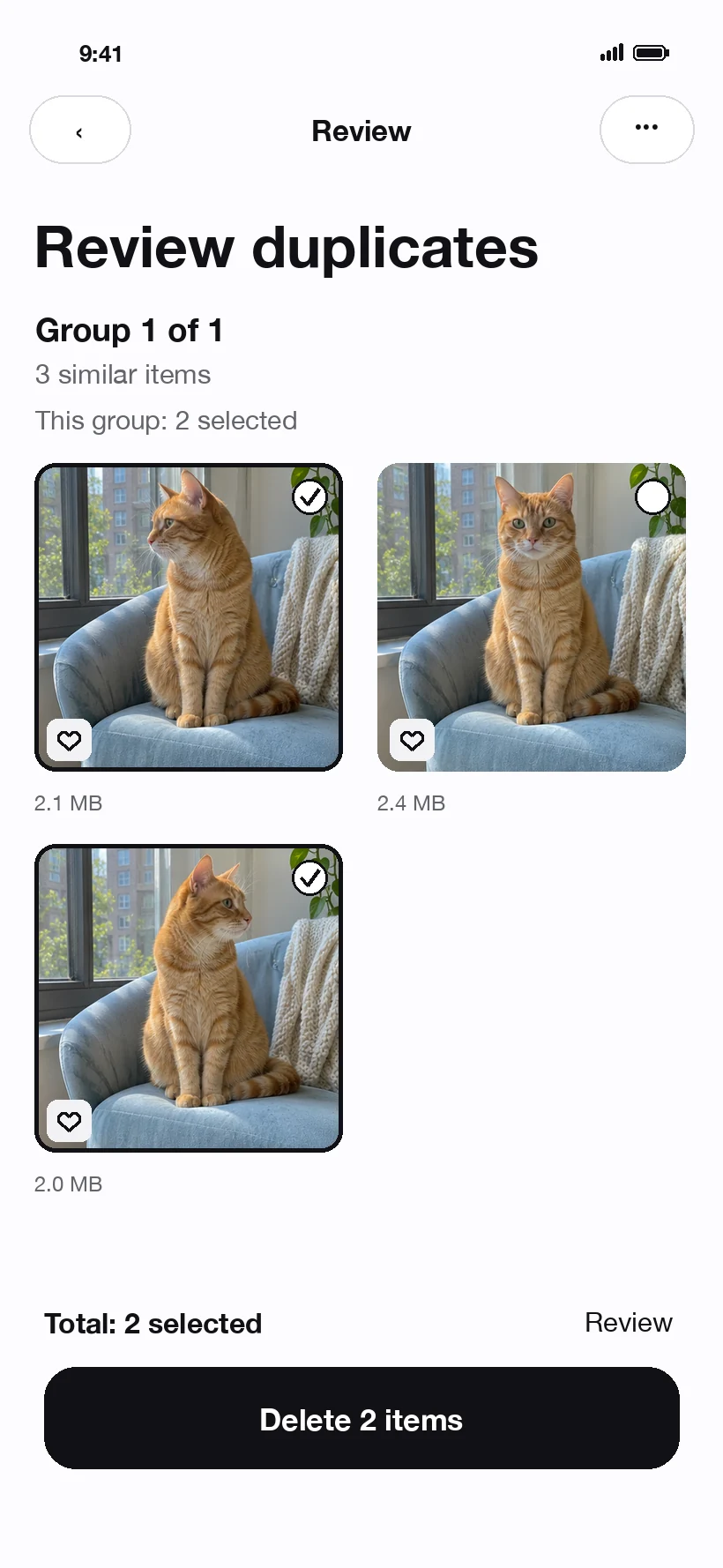
Walkthroughs use a fictional photo library.
Choose what to scan
Scan your whole library or narrow it to a date range, year, or album. Similarity analysis runs on your device.
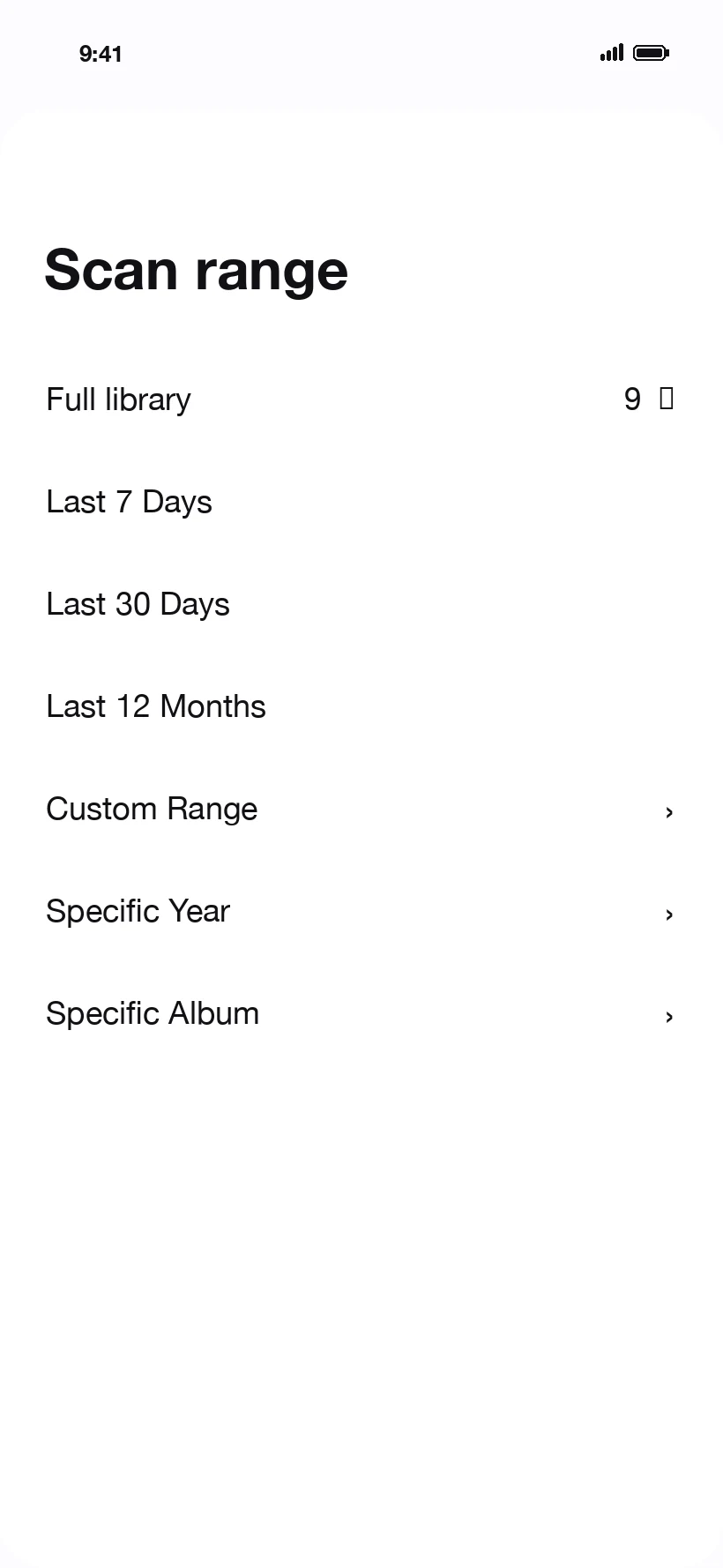
Find similar photos
Find Duplicates groups the shots together so you can compare the small differences in framing and detail.
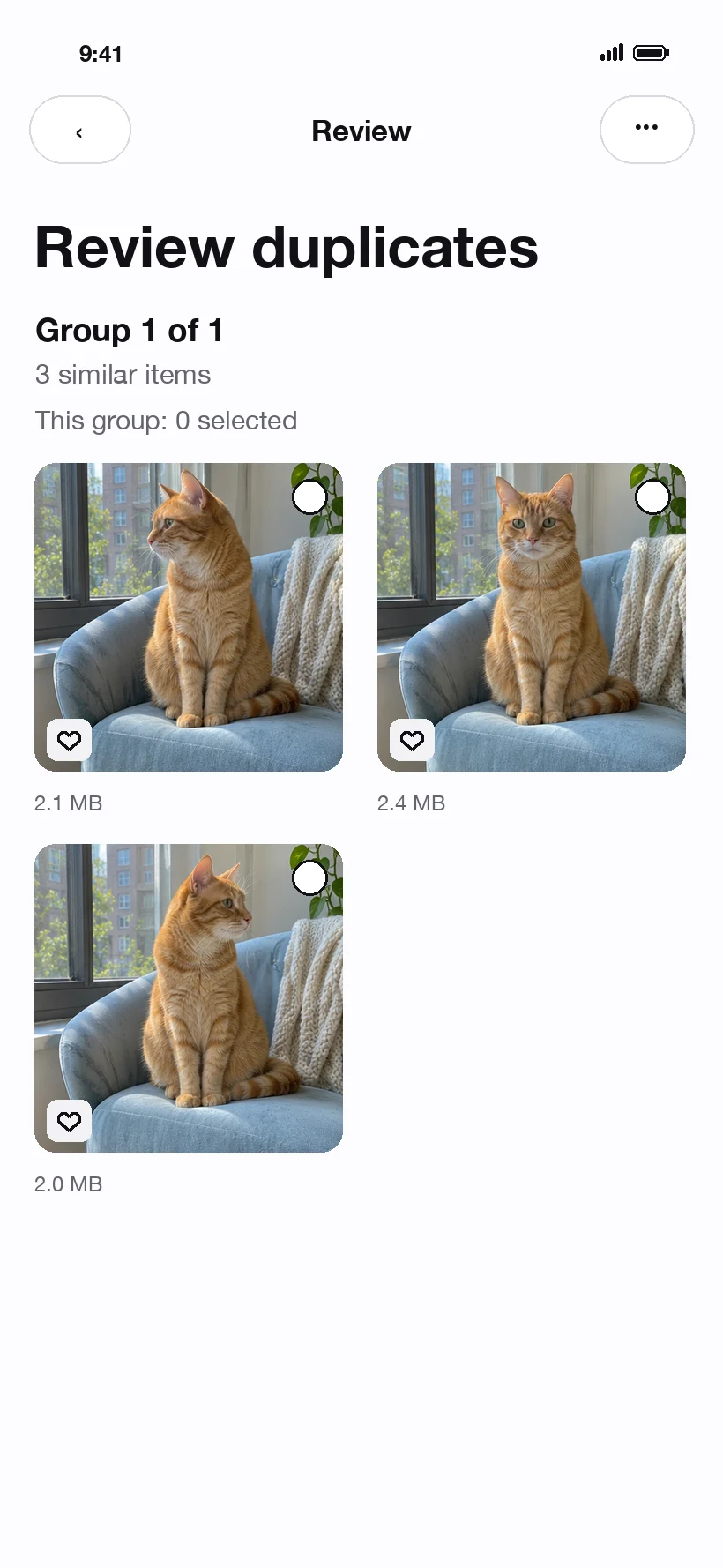
Review what to keep
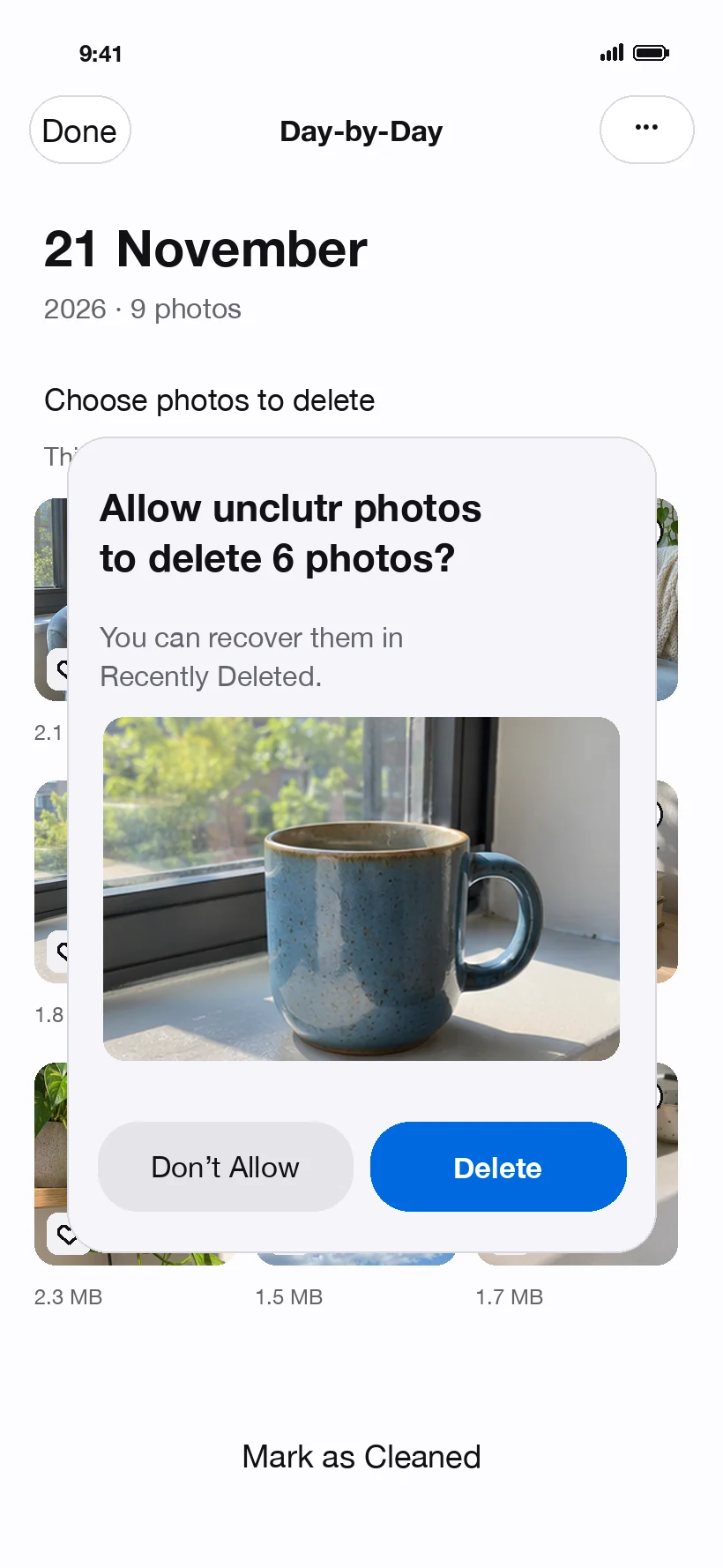
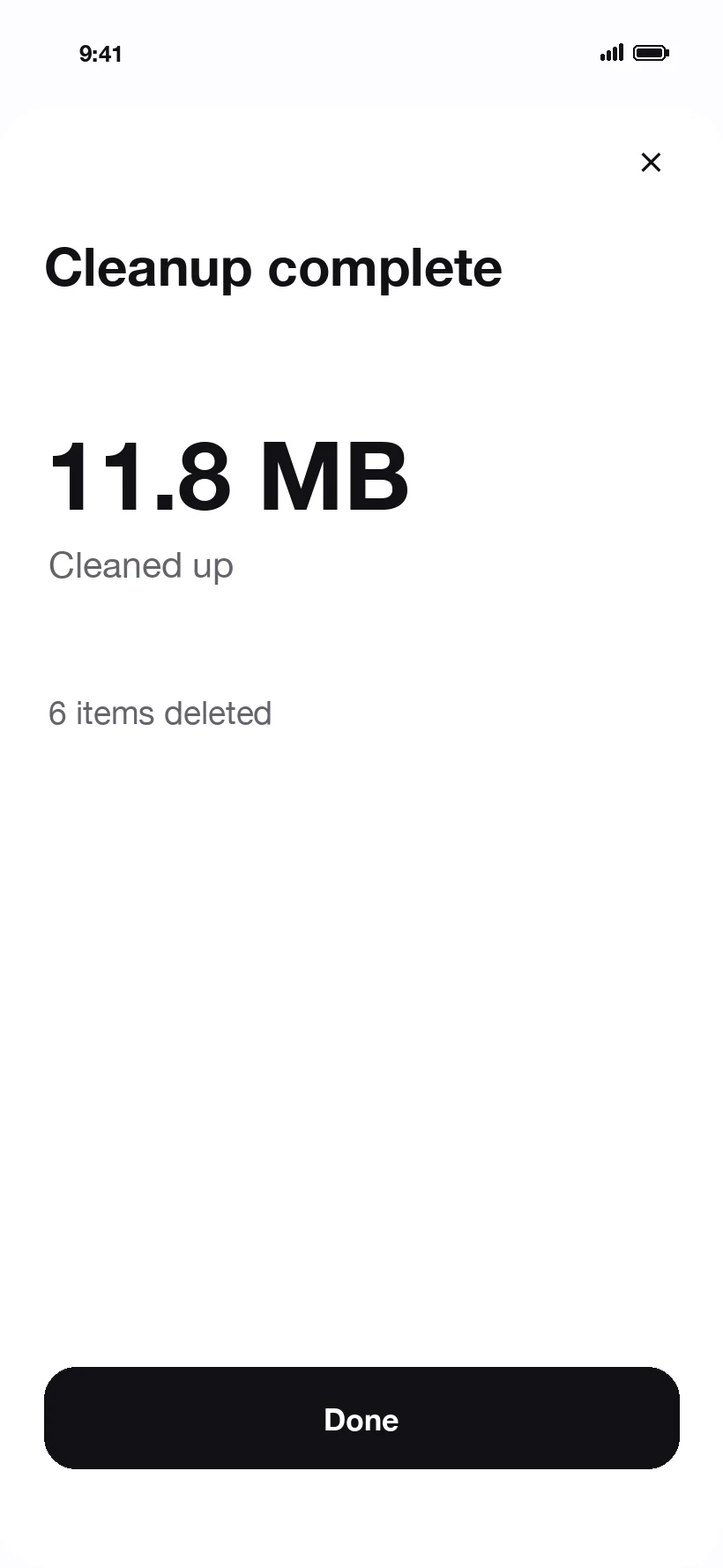
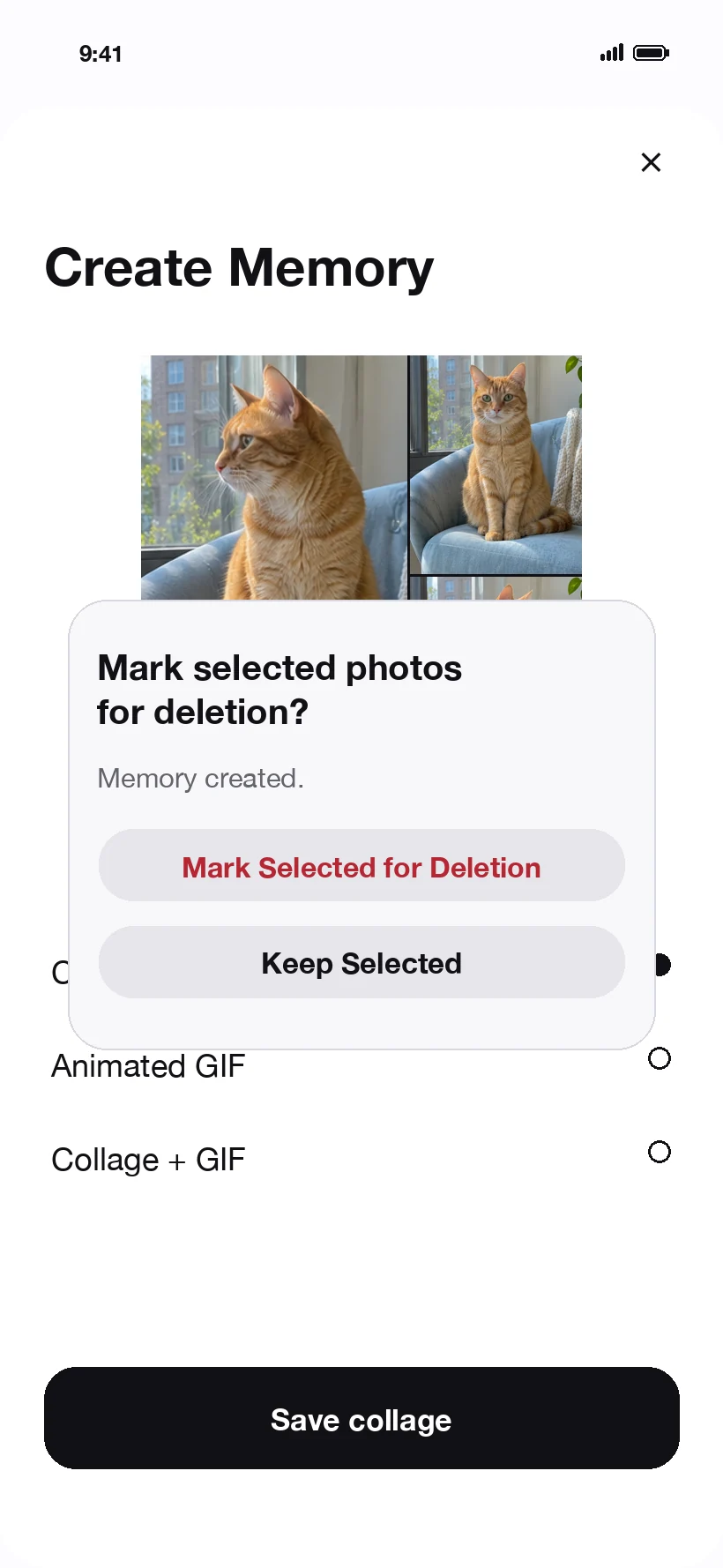
Select the extras yourself and see how much space they take up. You can review the selection before confirming what to delete.
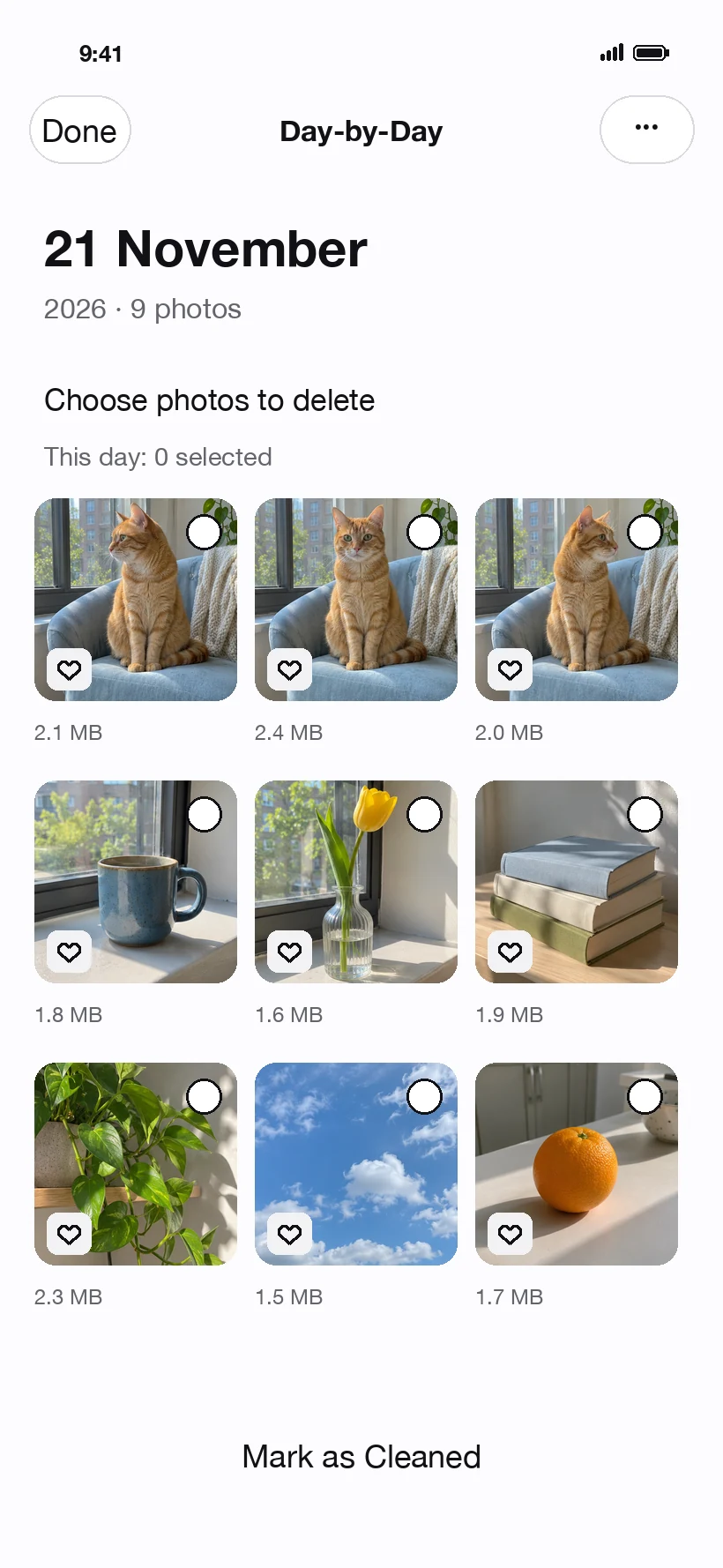
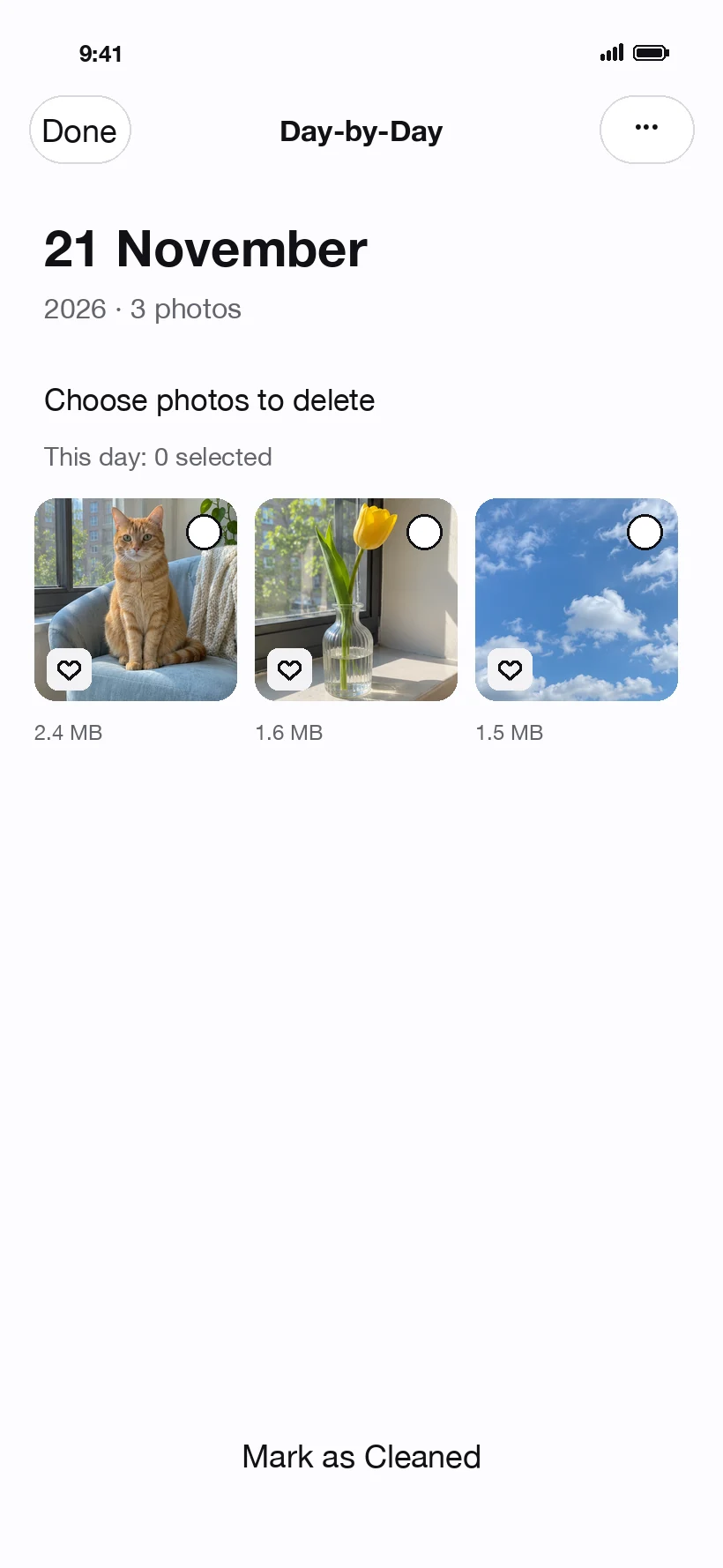
Day-by-Day Cleanup
Start with a single day and choose what to keep. Or revisit the same date across different years to make steady progress through a big library.
Memories
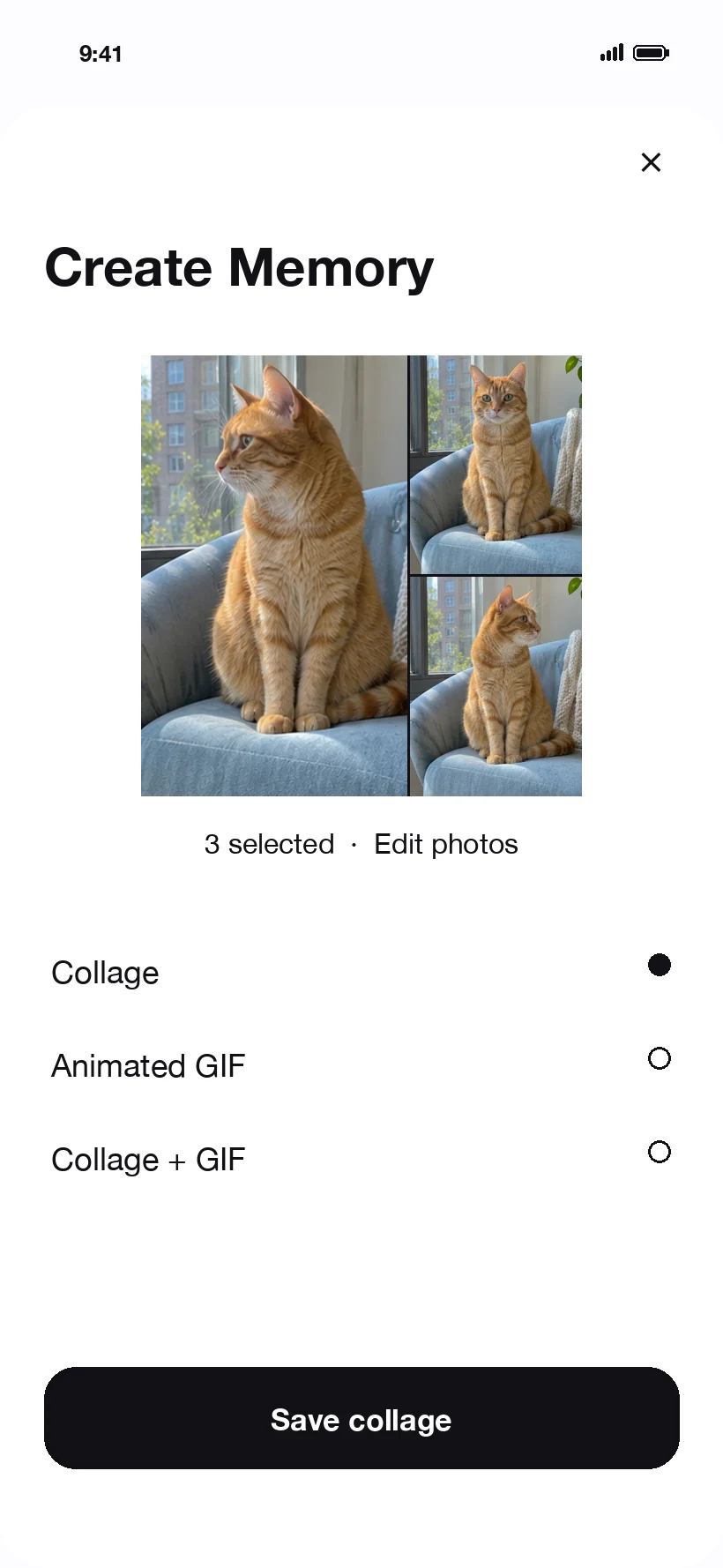
Pick a few favorites and turn them into a collage or an animated GIF. Save the Memory to your library with your original photos intact.
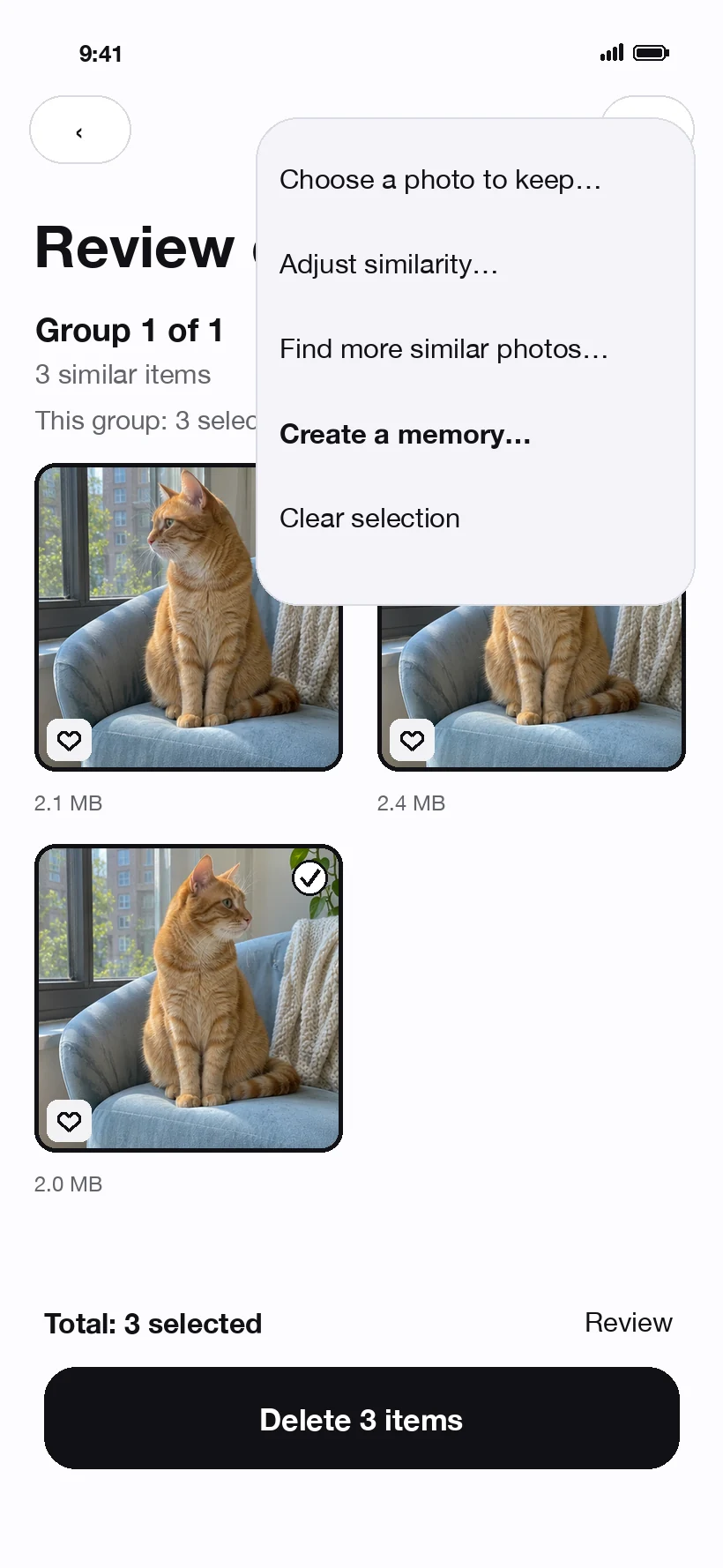
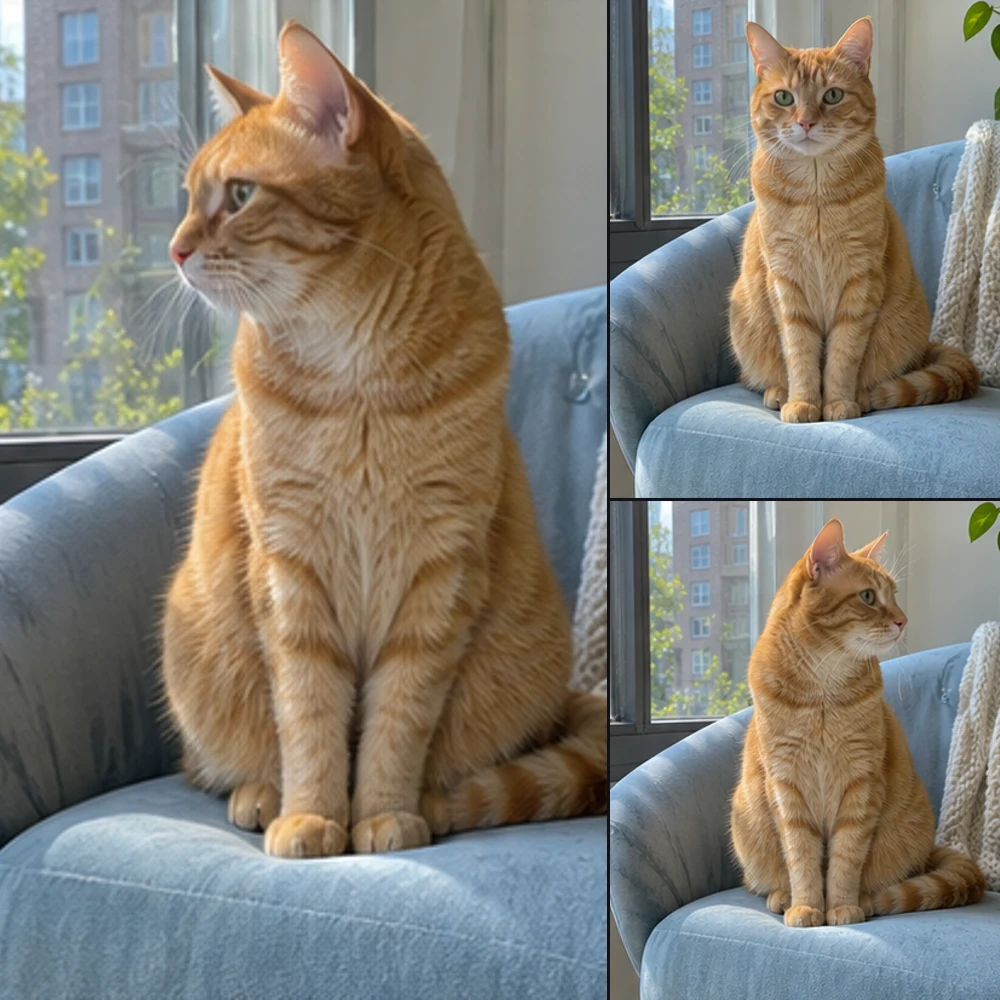
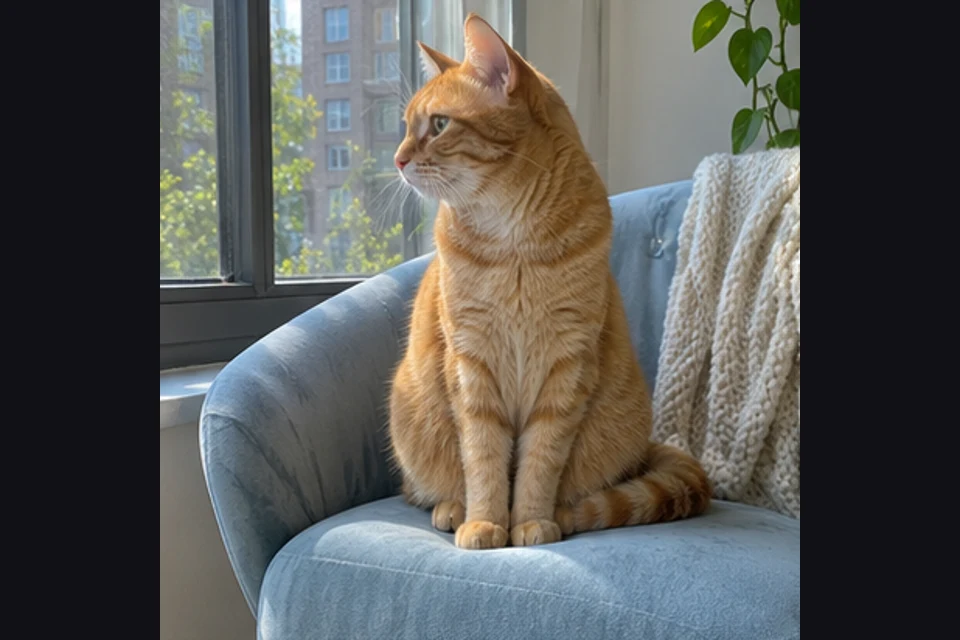
See the same three cat photos as an animated GIF.
“Does exactly what it says it does!”
“Unclutr shows you the similar pictures and lets you choose which one you want to keep.”
“This makes it much easier. Would recommend.”
How it compares
Apple Photos is where your library lives. unclutr photos adds focused tools for reviewing and cleaning it up, and for making something new from the photos you keep.
Apple Photos can merge the items it identifies in its Duplicates collection. unclutr photos groups visually similar shots, like a series of portraits with slightly different expressions, so you can compare them and decide which to keep.
See Find & ReviewReview everything from one day together, from photos worth keeping to screenshots you no longer need. You can also pull up the same calendar date across multiple years and work through a big library in smaller sessions.
See Day-by-Day CleanupChoose the exact photos you want and turn them into a collage, an animated GIF, or both. The finished files save back to Apple Photos alongside the originals.
See how to create a MemoryTap the heart during cleanup and the photo appears in Favorites in Apple Photos. Favorites you’ve already marked in Apple Photos also show up as favorites in unclutr photos. Both apps use the same favorite status in your photo library.
Scan your full library with Photos access. Each device gets 300 total photo or video deletions across Similarity and Day-by-Day cleanup, plus 30 saved Memory outputs, such as collages and GIFs. The deletion allowance does not reset daily. You can keep scanning and reviewing after you use your deletion allowance.
Get unlimited deletions and Memory saves with a monthly or yearly subscription or a one-time lifetime purchase. Existing Plus owners get lifetime Premium. Existing Pro subscribers keep their current subscription terms.
Scan for similar photos and videos on your device, then review the results at your own pace.
Available on iPhone, iPad, and compatible Macs.
Support
Photo and video analysis runs on your device. Items stored only in iCloud may download from your own Photos library. If you opt in, usage counts are shared through RevenueCat and linked to the random customer ID used for purchases. Purchase processing and diagnostics are separate. Read the privacy policy for details.
The app requests Photos access to scan and review your library, change Favorites, delete items you confirm, and save Memories you create. It also asks for permission to send local reminders.
Never. You always decide what to keep or delete—unclutr photos only suggests.
Large libraries may take time to scan. Similarity analysis runs on your device. Try a shorter date range if you want to start with fewer items.
unclutr photos uses on-device algorithms to detect visual similarity and duplicates, grouping them for quick review and cleanup.
unclutr photos is available on iPhone, iPad, and compatible Macs. See the App Store listing for current compatibility.
From the blog
Technical • Mar 27, 2026
Scan throttling, feature extraction, grid thumbnails, and bounded grouping for huge libraries—coming in version 2.3.
Guides • Mar 4, 2026
Clean one day at a time, or review the same calendar date across years, without replacing your normal duplicate and similar workflow.