

unclutr photos
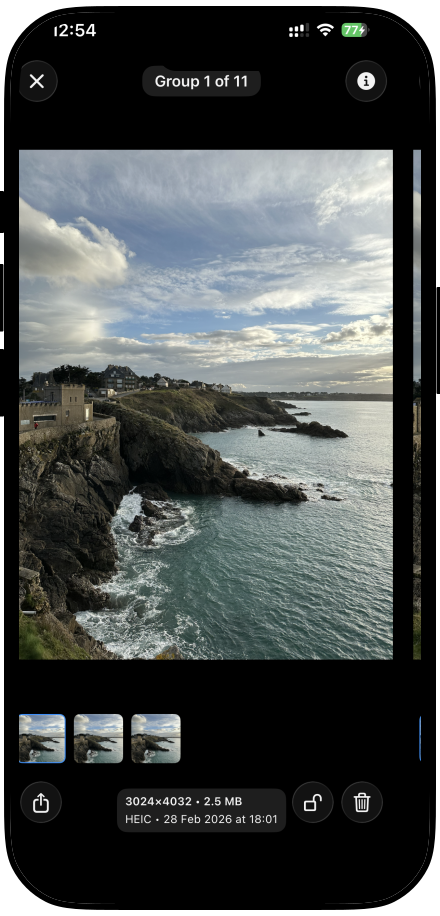
Apple Photos finds identical duplicates. unclutr Photos finds visually similar shots, and you set how strict “similar” should be. Review a calendar day across every year on iPhone or Mac, entirely on device.
Native-first tools for Apple workflows
unclutr adds the focused, private workflows that make native apps feel complete, without replacing them with accounts, cloud sync, or another system to maintain.

The pattern
unclutr does not move your library, files, or tasks into its own system. It gives you a clearer moment to decide what to keep, what to remove, and what matters now.
Photos + unclutr Photos
Photos keeps your library. unclutr Photos helps you review similar shots.
Finder + unclutr Files
Finder shows your files. unclutr Files helps you reclaim space safely.
Reminders + unclutr Today
Coming soonReminders holds everything. unclutr Today helps you choose what matters now.
Available now
Apple Photos finds identical duplicates. unclutr Photos finds visually similar shots, and you set how strict “similar” should be. Review a calendar day across every year on iPhone or Mac, entirely on device.

Find byte-for-byte exact duplicates, see the largest files and folders, skip regenerable noise with smart exclude rules, and remove safely to Trash. You review every decision first.
Built like a missing system feature
No cloud copy of your photos or files. No proprietary workspace to maintain.
Recommendations are clear, review comes first, and cleanup stays recoverable.
Each tool handles one overlooked moment well, then gets out of the way.
Start where you are
Start with your photo library or the files on your Mac. unclutr works alongside the tools already at the center of your day.
